
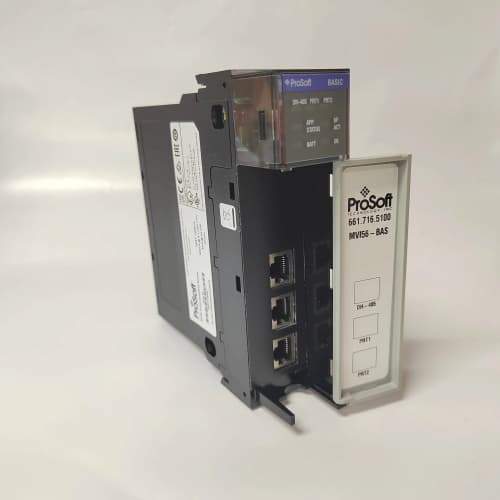
Description
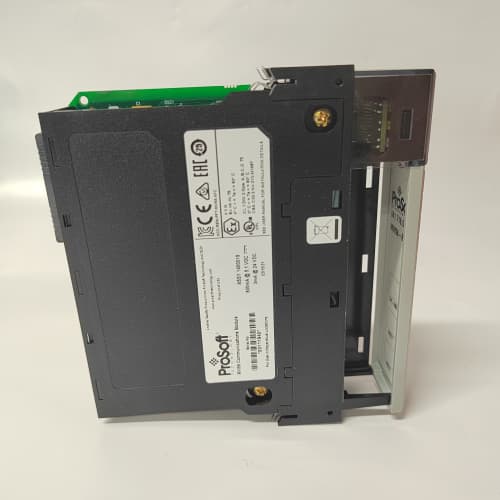
Product Parameters
| Parameter | Specification |
|---|---|
| Brand | ProSoft Technology |
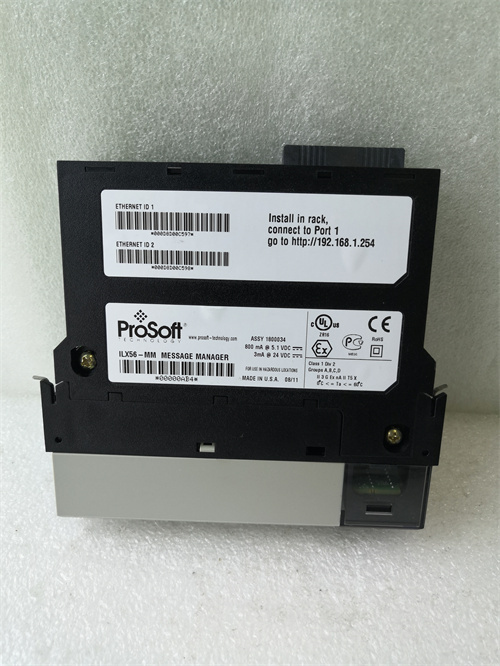
| Model | MVI56-BAS |
| Module Type | BASIC communication module |
| Platform | Allen-Bradley ControlLogix |
| Programming | BASIC interpreter for custom routines |
| Backplane Interface | ControlLogix chassis communication |
| Serial Ports | Per module configuration |
| Mounting | ControlLogix chassis slot installation |
| Operating Environment | Industrial control cabinet conditions |
| Certification | Per ProSoft / industrial EMC compliance |
Advantages and Features
-
Custom programming: BASIC interpreter enables tailored communication and data-processing routines.
-
Offloads the controller: Custom tasks run on the module, reducing main processor load.
-
ControlLogix integration: Installs directly into the chassis with backplane communication.
-
Serial communication support: Suited to legacy and custom serial protocols.
-
Proven ProSoft platform: Part of ProSoft’s widely used communication module family.
-
Serviceability: Module replacement is straightforward within the chassis.
Application Cases and Fields
The MVI56-BAS is used in applications including:
-
Legacy device integration: Connecting older serial equipment to ControlLogix systems.
-
Custom protocol handling: Implementing non-standard communication schemes.
-
Data processing: Running computational routines outside the main controller scan.
-
Manufacturing lines: Communication and data handling in production systems.
-
Process industries: Integration of specialized field devices.
Comparison with Competing Products
Compared with using native ControlLogix communication modules, the ProSoft MVI56-BAS offers greater flexibility for custom routines and legacy protocol handling. Competing products may provide fixed-protocol support but often lack programmable logic capability on the module itself. For applications with unusual communication requirements, the MVI56-BAS reduces engineering effort and controller load.
Selection Suggestions
-
Confirm compatibility with your ControlLogix chassis and firmware revision.
-
Verify the serial port count and interface types match your application.
-
Review the programming requirements for your custom routines.
-
Consider stocking a spare MVI56-BAS for critical installations.
-
Consult ProSoft documentation for configuration and programming details.
Precautions
-
Install or replace the module only with chassis power removed per procedures.
-
Observe ESD precautions when handling the module.
-
Follow ProSoft’s configuration and programming guidelines.
-
Verify backplane communication and routine behavior after installation.
-
Use only genuine ProSoft parts to preserve system integrity and warranty.


Reviews
There are no reviews yet.