
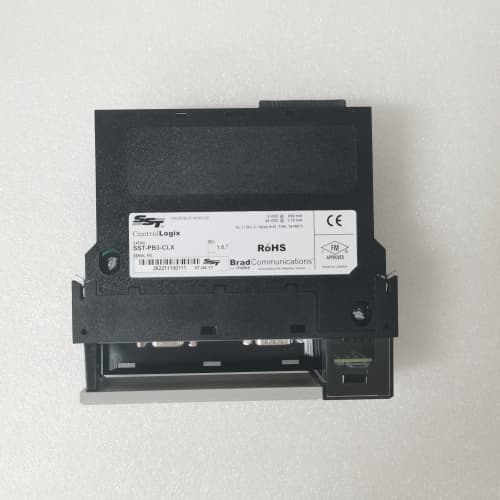
Description
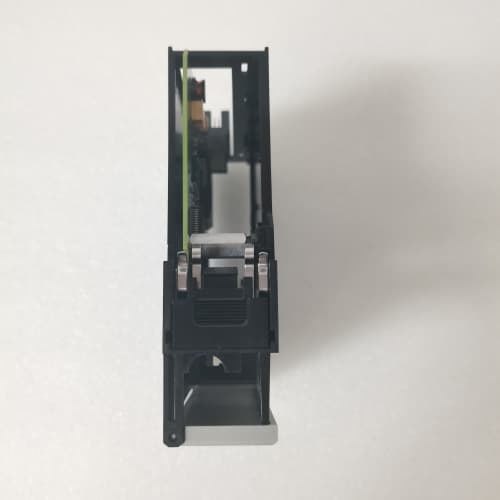
Product Parameters
- Brand: SST (Molex / Woodhead)
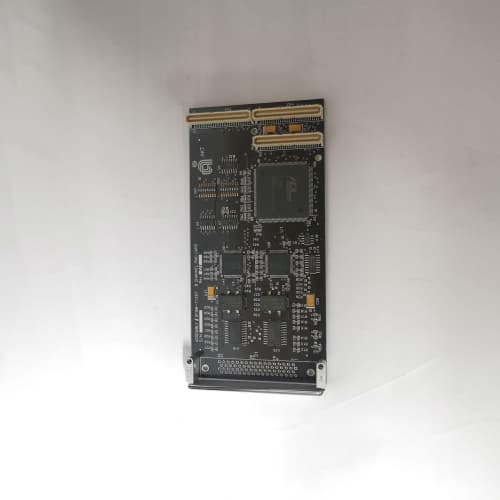
- Model: SST-PB3-CLX
- Platform: ControlLogix 1756 chassis
- Protocol: PROFIBUS DP-V0 / DP-V1 (Master / Slave)
- Max slaves: 125 stations
- Baud rate: 9.6 kbps ~ 12 Mbps
- Data size: 1984 bytes input, 1968 bytes output
- Port: DB9 female PROFIBUS (RS485, galvanic isolation) + serial config port
- Backplane consumption: 1000 mA @5VDC
- Operating temperature: 0 ~ 60°C
- Status indicators: LED + 4‑character display for fault and network diagnosis
- Data mode: Direct I/O image mode or paging mode
- Status: Mature legacy spare, discontinued, only surplus/refurbished stock available
Advantages and Features
It supports large PROFIBUS networks and two data mapping modes for different I/O requirements. PROFIBUS side is galvanically isolated to protect the Logix backplane from field surge noise. It can be configured and diagnosed remotely, and multiple modules can be installed in one rack. PROFIBUS I/O data is mapped directly to Logix tags, no complex ladder logic required for cyclic data exchange. It supports online configuration changes and firmware upgrade.
Application Cases and Application Fields
It is widely used in metallurgy, water treatment, packaging, chemical, paper and automotive lines with Rockwell ControlLogix. Typical scenario: connect ControlLogix to Siemens drives, PROFIBUS remote I/O and field instruments. When the PROFIBUS communication fails caused by module damage, replacement recovers the bus.
Comparisons with Competing Products
SST-PB3-CLX is for 1756 ControlLogix; SST-PB3M-CPX is for CompactLogix L2/L3/L4 series and cannot be swapped. It is different from the older SST-PFB-CLX. Rockwell native 1756-DNB is DeviceNet, not PROFIBUS. Generic third-party PROFIBUS gateways do not plug into the 1756 backplane and have higher latency than this scanner module.
Selection Suggestions and Precautions
Before ordering, confirm it is for ControlLogix 1756 chassis and confirm whether you need RLL version. For refurbished units, test backplane recognition, PROFIBUS port and config communication before installation. Power off the rack before replacement. Keep the original GSD and module configuration file. After installation, import the AOP and project configuration, scan the PROFIBUS slaves, verify I/O data exchange and fault diagnosis to confirm that the SST SST-PB3-CLX works reliably.
Reviews
There are no reviews yet.