
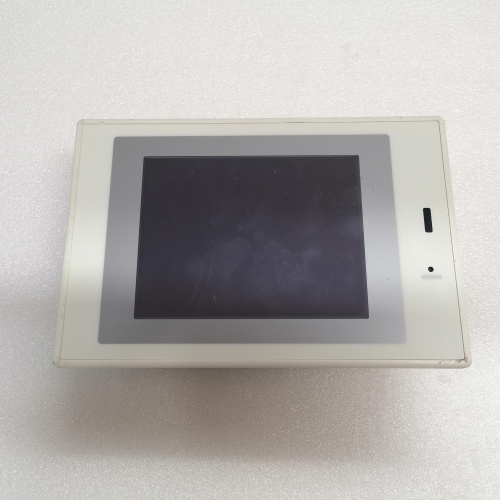
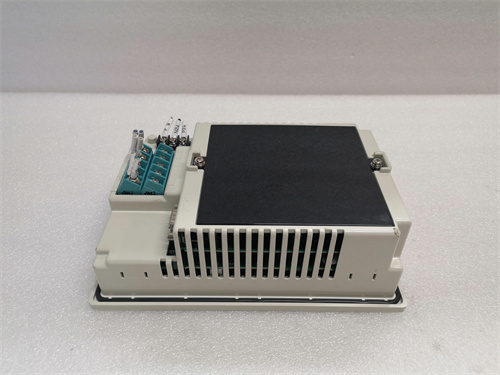
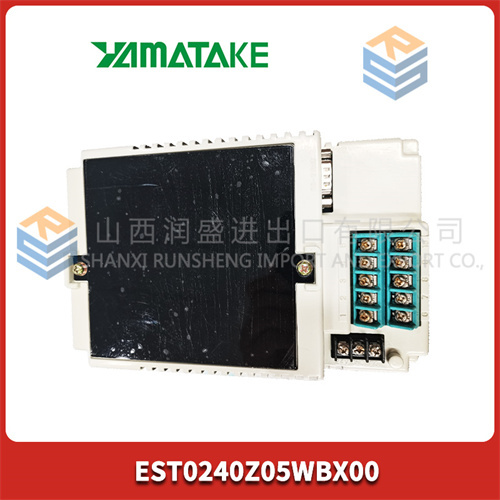
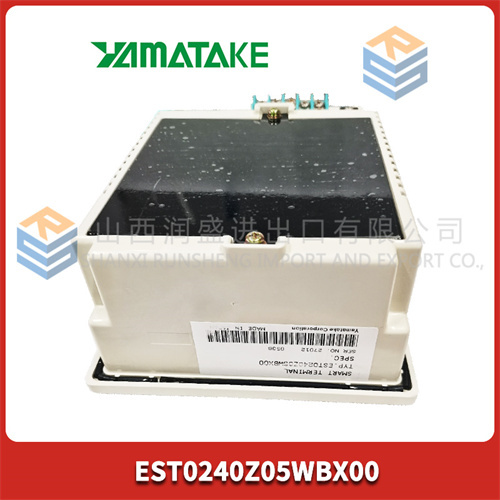
Description
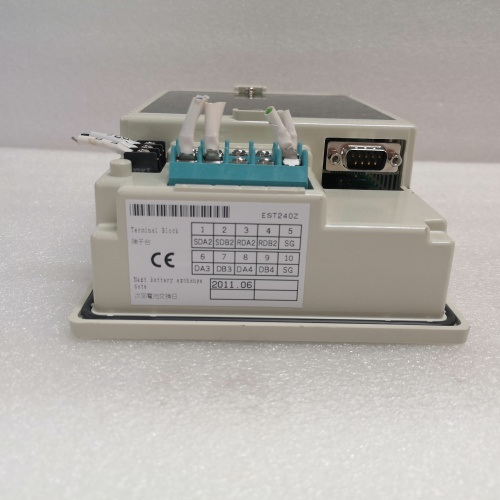
Product Parameters
| Parameter | Specification |
|---|---|
| Model | EST0240Z05WBX00 |
| Series | EST |
| Function | Touchscreen operator panel (HMI) |
| Display | Color TFT touchscreen (per EST0240 specification) |
| Communication | Serial and network communication interfaces (per suffix configuration) |
| Controller Connectivity | Yamatake (Azbil) controllers and third-party devices |
| Supply Voltage | 24 V DC nominal (per suffix configuration) |
| Mounting | Panel mount |
| Front Protection | IP65-class front protection (per product documentation) |
| Operating Temperature | Industrial control panel range |
| Configuration Software | Yamatake HMI engineering software |
| Diagnostics | System status and communication diagnostics |
Advantages and Features
-
Intuitive operator interface: The EST0240Z05WBX00 provides a color touchscreen interface for clear process visualization and simple operator interaction.
-
Multi-protocol connectivity: Serial and network interfaces allow the EST0240Z05WBX00 to connect to a range of controllers and devices.
-
Native Yamatake integration: Seamless tag binding and communication with Yamatake (Azbil) controllers simplifies project engineering on the EST0240Z05WBX00.
-
Robust front protection: Front protection rating makes the EST0240Z05WBX00 suitable for dusty and washdown-adjacent industrial environments.
-
Comprehensive alarm and trend functions: Built-in alarm management and trend display support operator awareness and troubleshooting.
-
Precise part identification: The Z05WBX00 suffix specifies communication, supply, and options for exact spare-parts matching.
Application Cases in Application Fields
-
Factory automation: Machine-level operator interface for packaging, assembly, and material handling equipment using the EST0240Z05WBX00.
-
Process monitoring: Display of process values, alarms, and trends on packaged process equipment.
-
Building automation: Local operator interface for HVAC and building management systems with the EST0240Z05WBX00.
-
Water and wastewater: Pump station and treatment plant local operation.
-
OEM machinery: Embedded HMI for machine builders standardizing on the Yamatake EST platform using the EST0240Z05WBX00.
Comparison with Competing Products
| Feature | YAMATAKE EST0240Z05WBX00 | Typical Competitor A | Typical Competitor B |
|---|---|---|---|
| Display type | Color TFT touchscreen | Color TFT | Monochrome |
| Controller integration | Native Yamatake | Vendor-specific | Vendor-specific |
| Communication interfaces | Serial + network | Serial only | Serial + network |
| Front protection | IP65-class | IP65 | IP54 |
| Configuration software | Yamatake HMI tools | Vendor-specific | Vendor-specific |
| Part identification | Exact suffix codes | Model only | Model only |
The EST0240Z05WBX00 distinguishes itself through native Yamatake integration and multi-protocol connectivity in a robust panel-mount package.
Selection Suggestions and Precautions
-
Confirm display size requirement: Verify that the display of the EST0240Z05WBX00 is adequate for the screen layouts and operator distance in your application.
-
Verify controller compatibility: Confirm that the EST0240Z05WBX00 supports the communication protocol required by your controller or control system.
-
Panel cutout dimensions: Use the exact cutout dimensions specified for the EST0240Z05WBX00 during cabinet fabrication to ensure a proper seal and fit.
-
Supply and grounding: Provide a regulated 24 V DC supply and follow Yamatake grounding guidance to avoid communication faults on the EST0240Z05WBX00.
-
Project backup: Save the HMI project file for the EST0240Z05WBX00 after commissioning so it can be restored after service or replacement.
-
Environmental protection: Observe the front and rear protection ratings and operating temperature range when mounting the EST0240Z05WBX00.
-
Spare parts: Consider stocking a spare EST0240Z05WBX00 for critical installations to minimize downtime.
-
Firmware and software version: Confirm engineering software and firmware versions are compatible with the EST0240Z05WBX00 revision before deployment.
Reviews
There are no reviews yet.